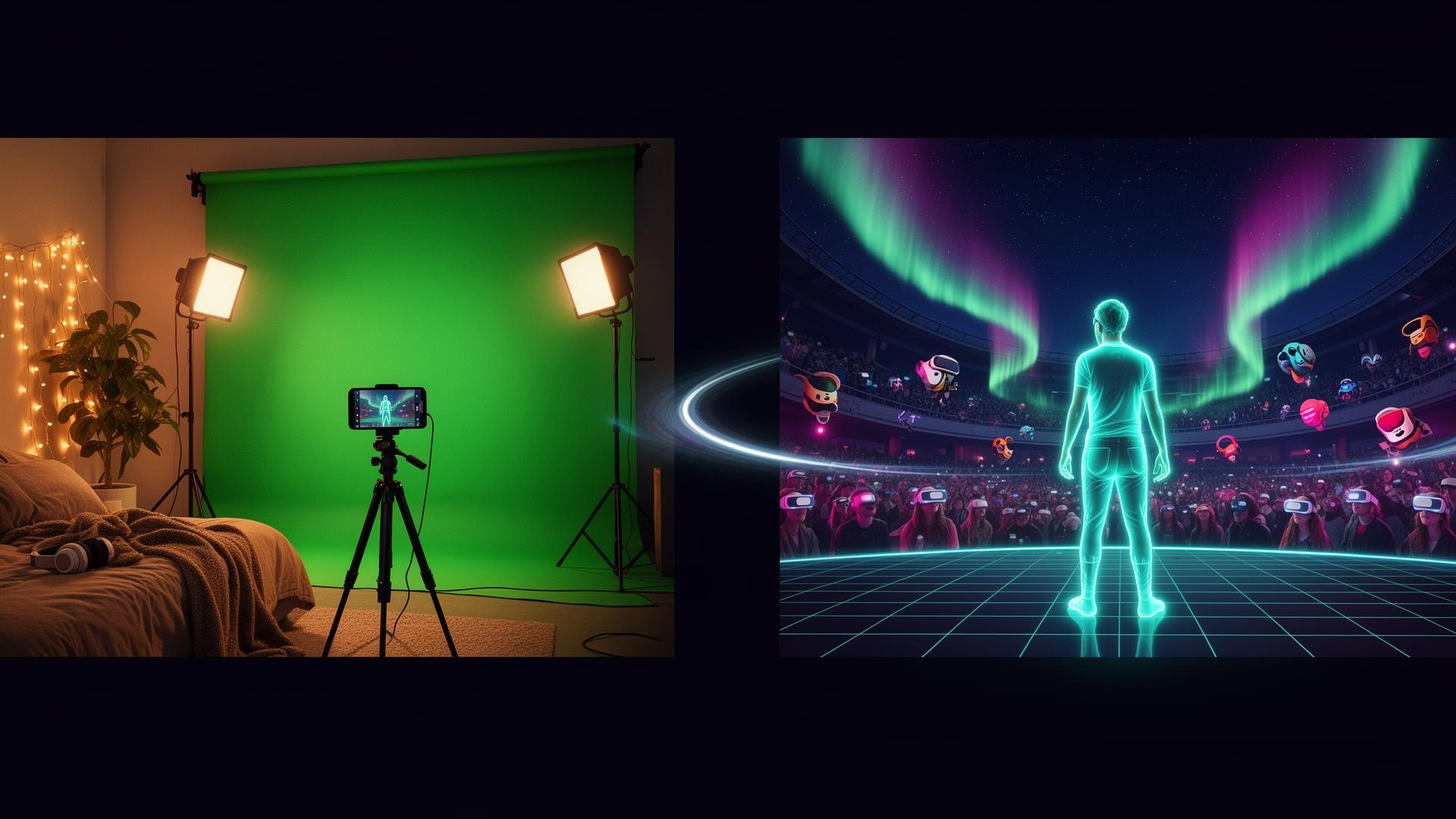
Film at Home. Perform in XR. The eyeora Hologram Guide.
Set up a green screen, capture your performance, then drop the clip into the eyeora 3D editor — pull the chroma key, place yourself on a virtual stage, and publish a shareable XR room in minutes.
A bedroom that thinks it's a sound stage.
Green screen positioned, wrinkle-free, with two independent light layers — one for the wall, one for you. That's the whole trick.
One light source shared between subject and screen causes shadow spill — the chroma key tool then chews ragged edges around hair and shoulders. Two independent sources = a clean alpha matte.
Flip the switches to see the magic.

PULUZ Portable Green Screen Kit
T-shape stand, 3.2 × 6.5 ft polyester chroma backdrop, 2 spring clamps and a carry bag. Wrinkle-resistant, machine-washable, assembles in under five minutes — perfect for the lighting setup above.
- ✓Adjustable telescopic T-stand
- ✓Reinforced aluminum tripod
- ✓Quick-lock crossbar
- ✓Carrying bag included
A 3-minute walkthrough on hanging, lighting, and de-wrinkling your backdrop so chroma keys cleanly the first time.
Record a hologram directly inside the eyeora app.
No desktop editor required. The eyeora mobile app guides you through recording — with or without a green screen — and drops the clip straight into your library, ready for the 3D XR Studio.
- 1Tap the centered "+" icon, then select the left hologram icon
- 2Select "Create new hologram"
- 3Choose with or without green screen (read the on-screen instructions)
- 4Mount your phone on a tripod stand
- 5Stand in front of your green screen — or a plain white background if you don't have one
- 6Choose to watch the example video first, or jump straight to recording
- 7Record after the 10-second countdown
- 8Preview the take, then upload it if you're happy
- 9Your clip lands in your library — open it in the eyeora 3D XR Studio to build the full experience
Now create the hologram experience on eyeora.
The eyeora 3D editor does the heavy lifting — import your raw clip, pull the chroma key, fine-tune color and edges, scale yourself on a virtual stage, then publish a shareable XR room. No external editor needed.
- 1Importing your raw green-screen clip
- 2Adjusting chroma key, spill & edge softness in-editor
- 3Scaling and anchoring yourself on a 3D stage
- 4Choosing a venue skin and audience capacity
- 5Publishing a room link for Quest, Pico & mobile
360 hologram experience demo on eyeora.
The finished XR venue. Click and drag (or swipe on mobile) inside the viewer to pan in any direction — up, down, all the way around the room you just built.
- 1Click and drag inside the viewer to look around
- 2Swipe on mobile to pan; tilt for gyroscope
- 3Spot the hologram performer on the virtual stage
- 4Scan the venue skin, lighting and audience seating
- 5Open fullscreen for the most immersive view
YouTube's 360° controls inside embeds are limited — a quick tap pauses playback. For the proper drag-to-pan experience, open the video on YouTube or use fullscreen.
The secret sauce nobody sees but everyone feels.
Soften the room, pick the right mic, and keep your input bouncing between -12 and -6 dB. Spatial audio only sounds spatial when the source is clean.
Clips to your shirt, follows you everywhere. Indistinguishable from broadcast at $40.
Mount on a boom or camera. Rejects room reflections so soft surfaces matter less.
Bare drywall = slap-back echo. Drape a duvet behind the camera and lay a rug on the floor — instant treated booth. Aim for a dead, "close" sound.
Tap a state to preview the meter.